
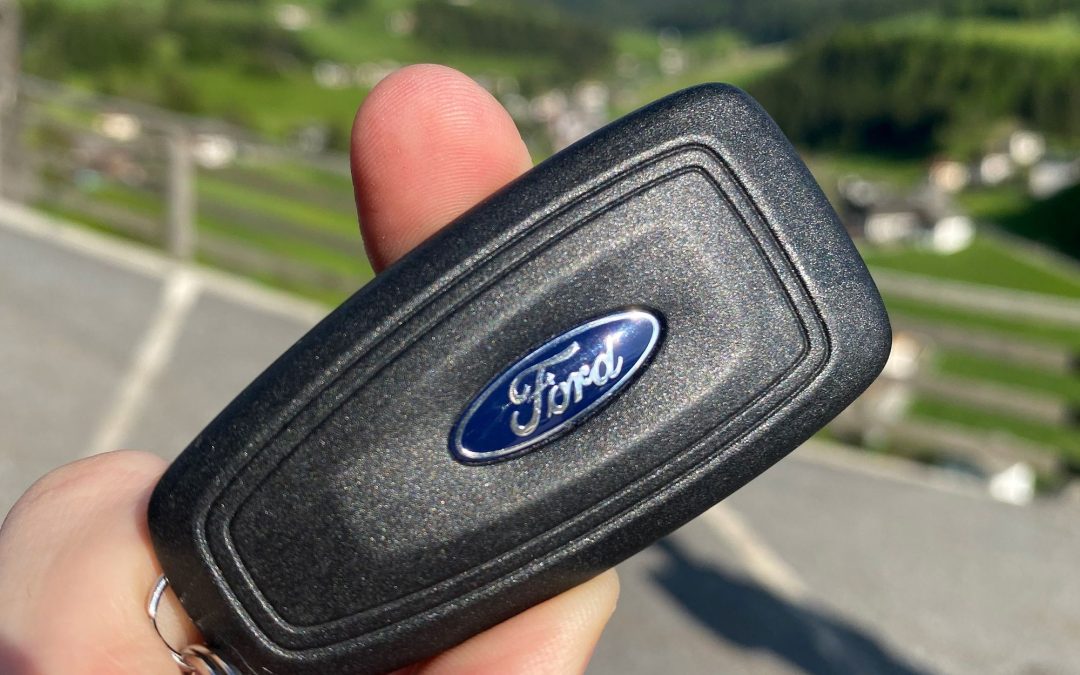
You press unlock and nothing happens, so you press it again. Maybe the fob only works when you’re standing right next to the car now, or a message on the dash says the key battery is low.
A weak battery is the first thing to check, and a Ford key fob battery replacement is a job you can usually do yourself.
Pull out the metal key blade if your fob has one, open the case, and swap in a new coin battery with the same number as the old one, facing the same way. Leave any grease on the contacts alone. Changing the battery doesn’t erase the key from your Ford, so there’s nothing to reprogram.
What Does a Ford Key Fob Battery Low Message Mean?
If your dash says “Key Battery Low Replace Soon,” the battery in your fob is running low. Not every Ford shows this message.
If you have push-button start and the battery goes completely flat, the car stops recognizing your key. Pressing the start button brings up “No Key Detected” instead of starting the engine, and if your Ford unlocks when you touch the door handle, that stops working too. Replace the battery when the message first appears so it never gets that far.
How Do I Do a Ford Key Fob Battery Replacement Myself?
You need a thin coin or a small screwdriver and a new battery. Ford fobs use a coin battery, and the size depends on the key: some take a CR2032 and others a CR2450. Open the fob and read the number on the old battery before you buy.
- If your fob has a metal key blade, press or slide the release and pull the blade out.
- Open the case. Some fobs have a slot where you twist a thin coin, and others release when you press and hold the buttons on the sides. On a push-button start fob, use the coin and not the key blade, since the blade can damage it.
- Note which way the old battery faces, then lift it out with the screwdriver. Keep the tip off the contacts and the circuit board, and leave any grease where it is.
- Put the new battery in facing the same way, and press it down until it’s fully seated. The + side faces up on some Ford keys and down on others, so check the markings inside the fob if you’re unsure.
- Snap the cover back on and put the key blade back in.
Press the buttons to check that the fob responds. If the case won’t open, we can do it for you when you schedule a visit.
Can I Still Get Into and Start My Ford With a Dead Key Fob Battery?
Yes. Use the key blade, or the door keypad if your Ford has one, to get in, and the backup slot to start the car.
If your fob has a key blade, press or slide the release, pull the blade out, and use it in the lock on the driver door. Some handles hide the lock under a small cap. The blade opens the door but won’t start the engine. If your Ford has a keypad on the driver door, you can unlock the door by entering your five-digit keyless entry code instead.
If you have push-button start, put the fob in the backup slot, then press the brake and the start button as usual. The slot is in the console storage compartment, the cup holder, or another spot depending on the year and model, and your owner’s manual shows where yours is.
What Should I Check If My Ford Key Fob Still Won’t Work After a New Battery?
Check the battery first, then what’s around the key, then the car’s own battery.
| What you notice | What it can suggest | Best next step |
|---|---|---|
| The fob does nothing after the swap | The battery may be facing the wrong way, not pressed all the way in, or not the right number for your key. | Open the fob again and compare the new battery with the old one: same number, same direction, pressed all the way into the holder. |
| “No Key Detected” shows when you press the start button | The car isn’t picking up the key. A dead key battery, a phone or other keys held close to the fob, or a car battery with no charge can each cause it. | Move the fob away from your phone and other keys and try again. If it still isn’t picked up, start the car from the backup slot. |
| Nothing responds, from the fob or the car | The car’s own battery may have no charge, which also stops the keyless system from working. | Use the key blade or keypad to get in, then have the car battery tested. We handle battery testing and replacement here. |
What Happens If I Bring My Ford Key Fob to Gary Yeomans Ford Palm Bay Service Center?
We check the key and the car, since a fob problem can start in either place.
If the battery is the problem, we replace it with the right one for your key. If the car isn’t picking up the key, we find out why, and that includes testing the car’s own battery. Our technicians use advanced diagnostic tools for that. If you need a new key or a spare, we can make and program one for your Ford.
We’re on Malabar Road SE in Palm Bay, and you can schedule with us from Melbourne, West Melbourne, Cocoa Beach, or Satellite Beach.